GEARNEXIO EDITORIALComputing
Clear buying advice for real routines, with compatibility checks, ownership costs, and honest limits.

ComputingParents who want age-appropriate schedules and fewer bedtime arguments across many devices. Our guide focuses on profile controls, pause behavior, local versus subscription features, privacy, guest networks, and bypass resistance.
Read the guide → 
ComputingA household that occasionally prints school forms, return labels, and travel documents. Our guide focuses on ink or toner economics, footprint, duplex support, scanner needs, wireless setup, and idle reliability.
Read the guide → 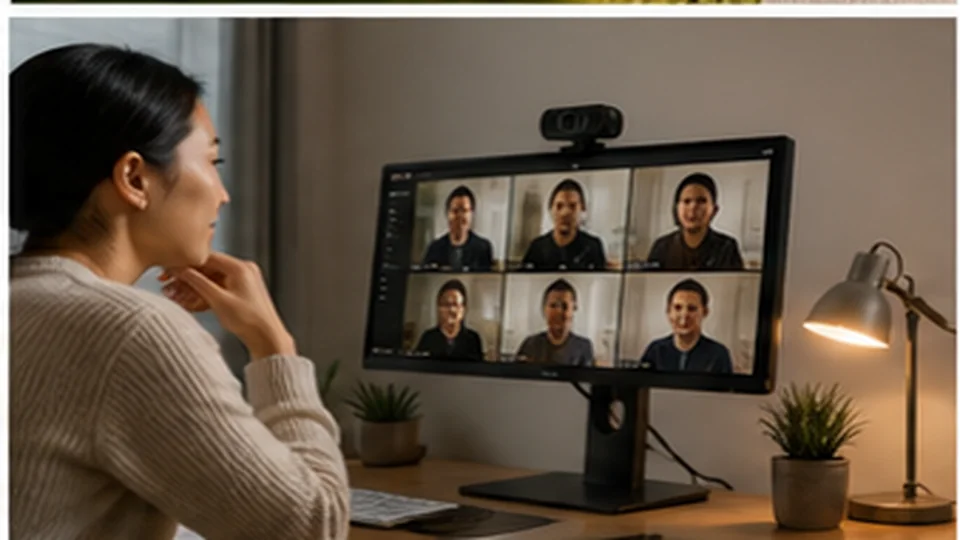
ComputingA remote worker who presents to clients from a mixed-light home office. Our guide focuses on framing, autofocus behavior, microphone expectations, privacy shutters, mounting, and software controls.
Read the guide → 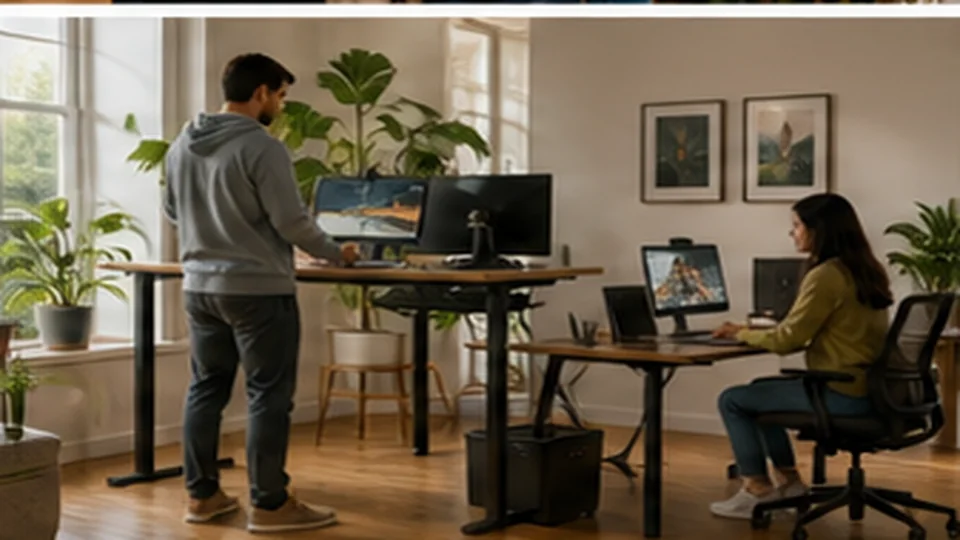
ComputingTwo people sharing one work area with different heights, schedules, and equipment. Our guide focuses on height range, memory controls, desktop depth, stability, cable management, and weight capacity.
Read the guide → 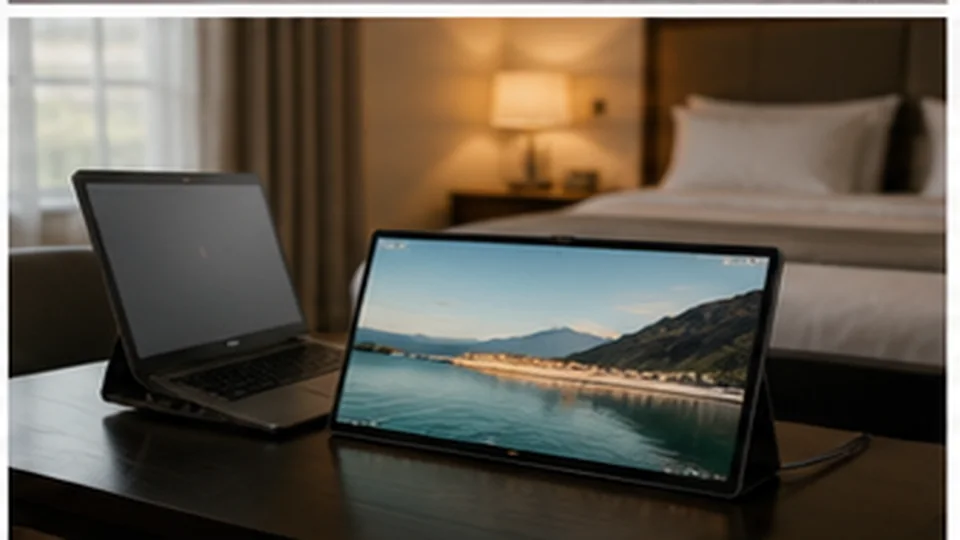
ComputingA traveling professional who needs a second screen for documents and calls without packing a desktop setup. Our guide focuses on screen brightness, stand stability, single-cable power, laptop compatibility, weight, and protective cases.
Read the guide → 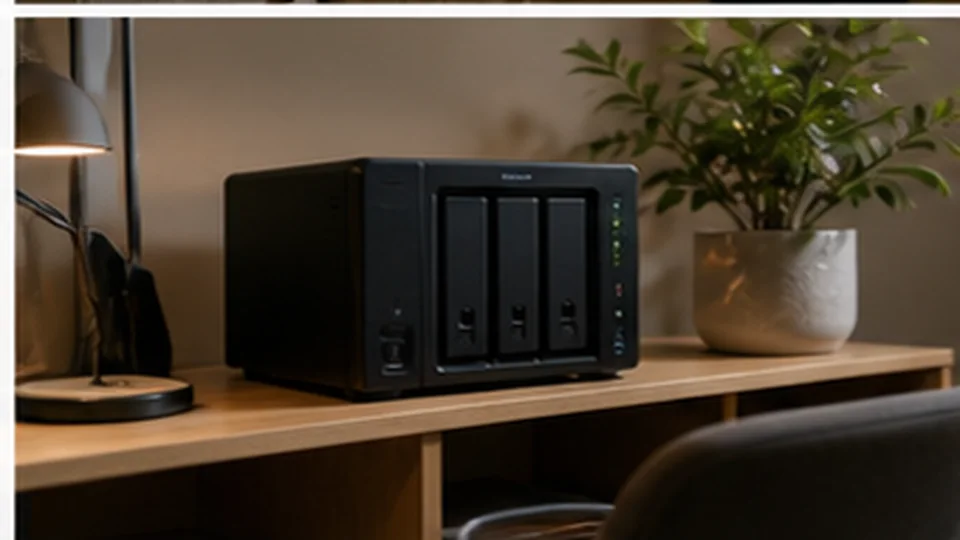
ComputingA household that wants one organized place for photos, documents, and computer backups. Our guide focuses on drive bays, backup strategy, remote access security, noise, power use, and software support.
Read the guide → 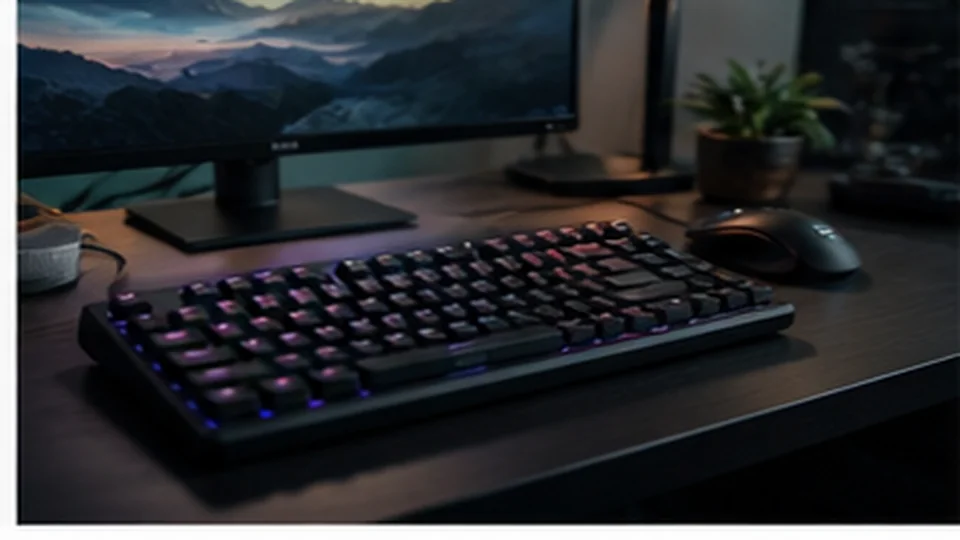
ComputingA typist working near a partner, roommate, or sleeping child. Our guide focuses on switch noise, layout, wireless reliability, keycap availability, and ergonomics.
Read the guide → 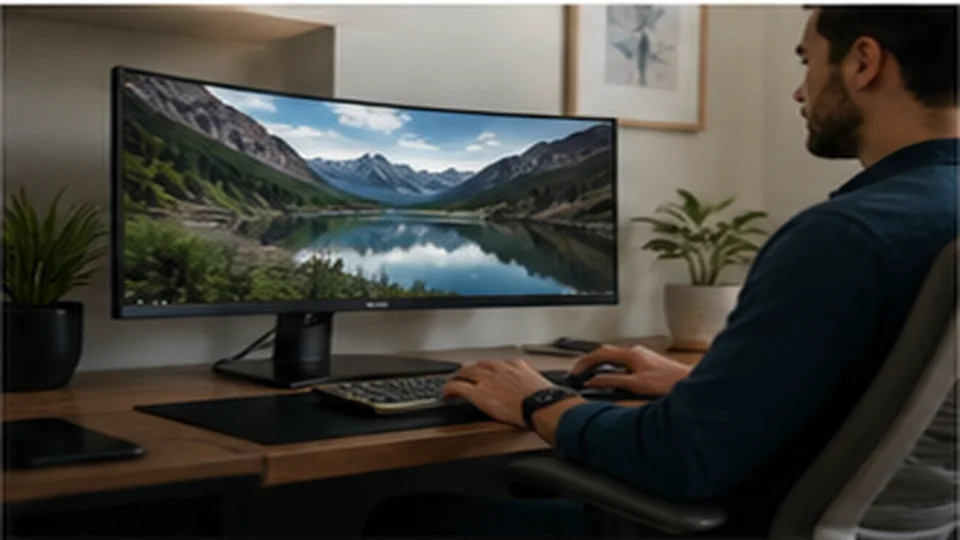
ComputingA remote worker reading documents, joining calls, and managing several windows. Our guide focuses on screen size, pixel density, USB-C docking, stand adjustment, and warranty.
Read the guide → 
ComputingA hybrid worker carrying one bag between home, cafés, and client meetings. Our guide focuses on display brightness, keyboard comfort, port selection, charger size, and repairability.
Read the guide → 
ComputingA family with video calls upstairs, streaming downstairs, and a weak back bedroom. Our guide focuses on wired backhaul, node placement, radio bands, parental controls, and update policy.
Read the guide →